
Connect Avena with ChatGPT, Claude, Grok Bot, and Muse
Connect once. Look up patients, create plans, search recipes, and book appointments from the chat you already use.
- 1. Open Settings → Connectors
- 2. Click + Add connector
- 3. Paste the MCP URL and connect
- 1. Turn on developer mode in Settings → Security
- 2. Create a new connector and paste the MCP URL
- 3. Sign in with your Avena account
- 1. Open a chat with Grok Bot
- 2. Copy this prompt and send it
- 1. Open a chat with Muse.ai
- 2. Copy this prompt and send it
All of Avena, one message away.
The MCP exposes your dashboard tools to the assistant. You ask in plain language; Avena answers with real data from your practice.
Beta Not fully supported yet, use it with care.
- Patients Find any patient and pull up their full context without leaving the chat.
- Nutrition plans Beta Draft personalized plans in seconds and adjust them on the spot.
- Recipes and ingredients 30,000+ recipes and a complete ingredient database, one message away.
- Appointments and calendar Check your calendar, avoid gaps, and let it book appointments for you.
- Macro distribution Calculate and adjust macros and calories for each patient’s goal.
- Clinical history Anthropometry, lab results, and patient progress, always at hand.
Use cases
Find your patients
Find any patient and bring in their context —plans, anthropometry, restrictions— with a single instruction.
Connect now'%20xmlns:c2pa='http://c2pa.org/manifest'%3e%3cpath%20d='m19.6%2066.5%2019.7-11%20.3-1-.3-.5h-1l-3.3-.2-11.2-.3L14%2053l-9.5-.5-2.4-.5L0%2049l.2-1.5%202-1.3%202.9.2%206.3.5%209.5.6%206.9.4L38%2049.1h1.6l.2-.7-.5-.4-.4-.4L29%2041l-10.6-7-5.6-4.1-3-2-1.5-2-.6-4.2%202.7-3%203.7.3.9.2%203.7%202.9%208%206.1L37%2036l1.5%201.2.6-.4.1-.3-.7-1.1L33%2025l-6-10.4-2.7-4.3-.7-2.6c-.3-1-.4-2-.4-3l3-4.2L28%200l4.2.6L33.8%202l2.6%206%204.1%209.3L47%2029.9l2%203.8%201%203.4.3%201h.7v-.5l.5-7.2%201-8.7%201-11.2.3-3.2%201.6-3.8%203-2L61%202.6l2%202.9-.3%201.8-1.1%207.7L59%2027.1l-1.5%208.2h.9l1-1.1%204.1-5.4%206.9-8.6%203-3.5L77%2013l2.3-1.8h4.3l3.1%204.7-1.4%204.9-4.4%205.6-3.7%204.7-5.3%207.1-3.2%205.7.3.4h.7l12-2.6%206.4-1.1%207.6-1.3%203.5%201.6.4%201.6-1.4%203.4-8.2%202-9.6%202-14.3%203.3-.2.1.2.3%206.4.6%202.8.2h6.8l12.6%201%203.3%202%201.9%202.7-.3%202-5.1%202.6-6.8-1.6-16-3.8-5.4-1.3h-.8v.4l4.6%204.5%208.3%207.5L89%2080.1l.5%202.4-1.3%202-1.4-.2-9.2-7-3.6-3-8-6.8h-.5v.7l1.8%202.7%209.8%2014.7.5%204.5-.7%201.4-2.6%201-2.7-.6-5.8-8-6-9-4.7-8.2-.5.4-2.9%2030.2-1.3%201.5-3%201.2-2.5-2-1.4-3%201.4-6.2%201.6-8%201.3-6.4%201.2-7.9.7-2.6v-.2H49L43%2072l-9%2012.3-7.2%207.6-1.7.7-3-1.5.3-2.8L24%2086l10-12.8%206-7.9%204-4.6-.1-.5h-.3L17.2%2077.4l-4.7.6-2-2%20.2-3%201-1%208-5.5Z'%3e%3c/path%3e%3c/svg%3e)


'%3e%3c/path%3e%3cdefs%3e%3clinearGradient%20id='paint0_linear_454_562'%20x1='133.245'%20y1='109.046'%20x2='24.9203'%20y2='-12.5565'%20gradientUnits='userSpaceOnUse'%3e%3cstop%20offset='0.254808'%20stop-color='%230082FB'%20style='stop-color:%230082FB;stop-color:color(display-p3%200.0000%200.5098%200.9843);stop-opacity:1;'%3e%3c/stop%3e%3cstop%20offset='0.697115'%20stop-color='%230064E0'%20style='stop-color:%230064E0;stop-color:color(display-p3%200.0000%200.3922%200.8784);stop-opacity:1;'%3e%3c/stop%3e%3cstop%20offset='1'%20stop-color='%230040DC'%20style='stop-color:%230040DC;stop-color:color(display-p3%200.0000%200.2510%200.8627);stop-opacity:1;'%3e%3c/stop%3e%3c/linearGradient%3e%3c/defs%3e%3c/svg%3e)
'%20d='M8.33745%206.0918C7.32696%207.39403%206.36172%208.94831%205.5473%2010.7406C1.56569%2019.5202%20-1.42052%2035.6372%200.706026%2036.8554H0.736191C2.98339%2036.8554%209.21219%2029.252%2013.7217%2022.0827C12.2587%2019.6883%2011.1125%2017.5739%2010.464%2016.1596C8.89547%2012.701%208.15646%209.15835%208.33745%206.0918Z'%3e%3c/path%3e%3cpath%20fill='url(%23avIconGrad)'%20d='M13.2133%200.869141C12.8061%200.869141%2012.414%200.939153%2012.0671%201.07918C10.6645%201.62528%209.72939%203.31959%209.51824%205.74203C9.27693%208.48653%209.94053%2011.7771%2011.4035%2015.0117C14.993%2022.9792%2025.0676%2036.4916%2028.0689%2036.4916C28.0991%2036.4916%2028.0991%2036.4916%2028.0991%2036.4916C30.2105%2035.2734%2027.2243%2019.1565%2023.2427%2010.3769C20.4526%204.20175%2015.9884%200.869141%2013.2133%200.869141Z'%3e%3c/path%3e%3c/svg%3e)
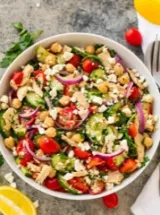
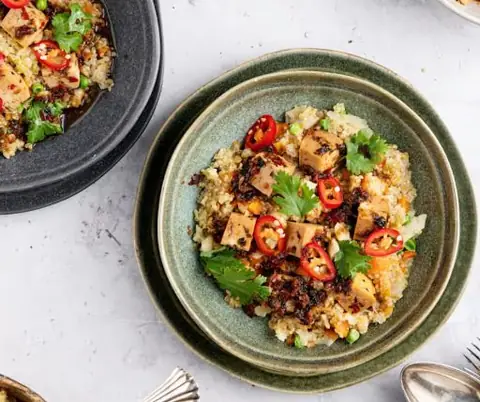
Instant recipes
Ask for recipes by goal, restriction, or ingredient and Avena searches 30,000+ options without leaving the chat.
Connect now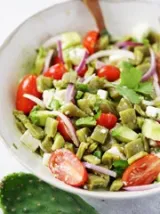
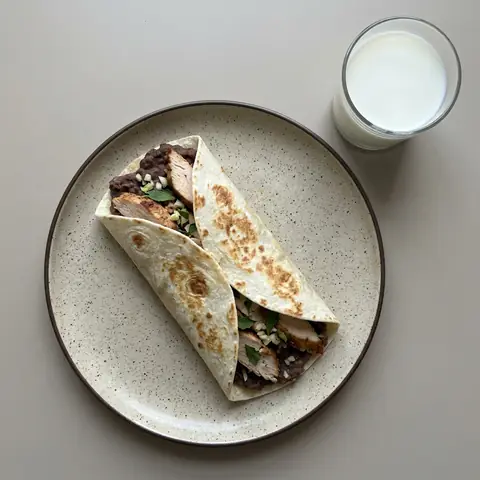
Your calendar, one message away
Check today’s appointments, book follow-ups, and keep your calendar tidy without switching tabs.
Connect nowPrompts to get started
Hover over a card to copy the prompt or try it in Claude.Hover over a card to copy the prompt or try it in ChatGPT.Hover over a card to copy the prompt or try it in Grok Bot.Hover over a card to copy the prompt or try it in Muse.
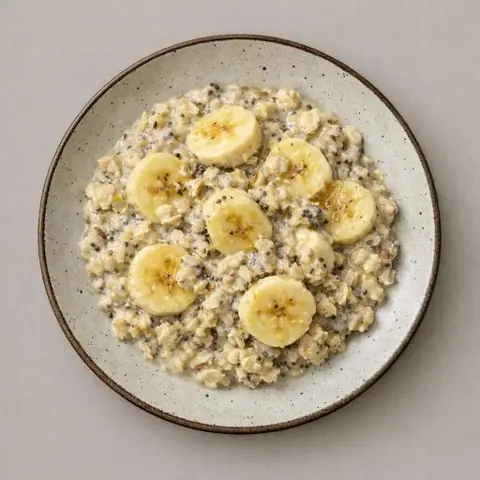

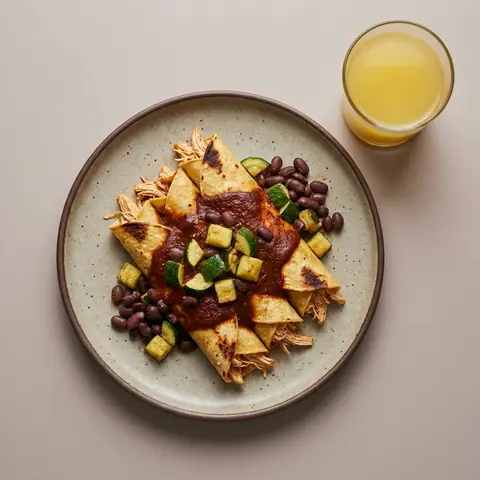
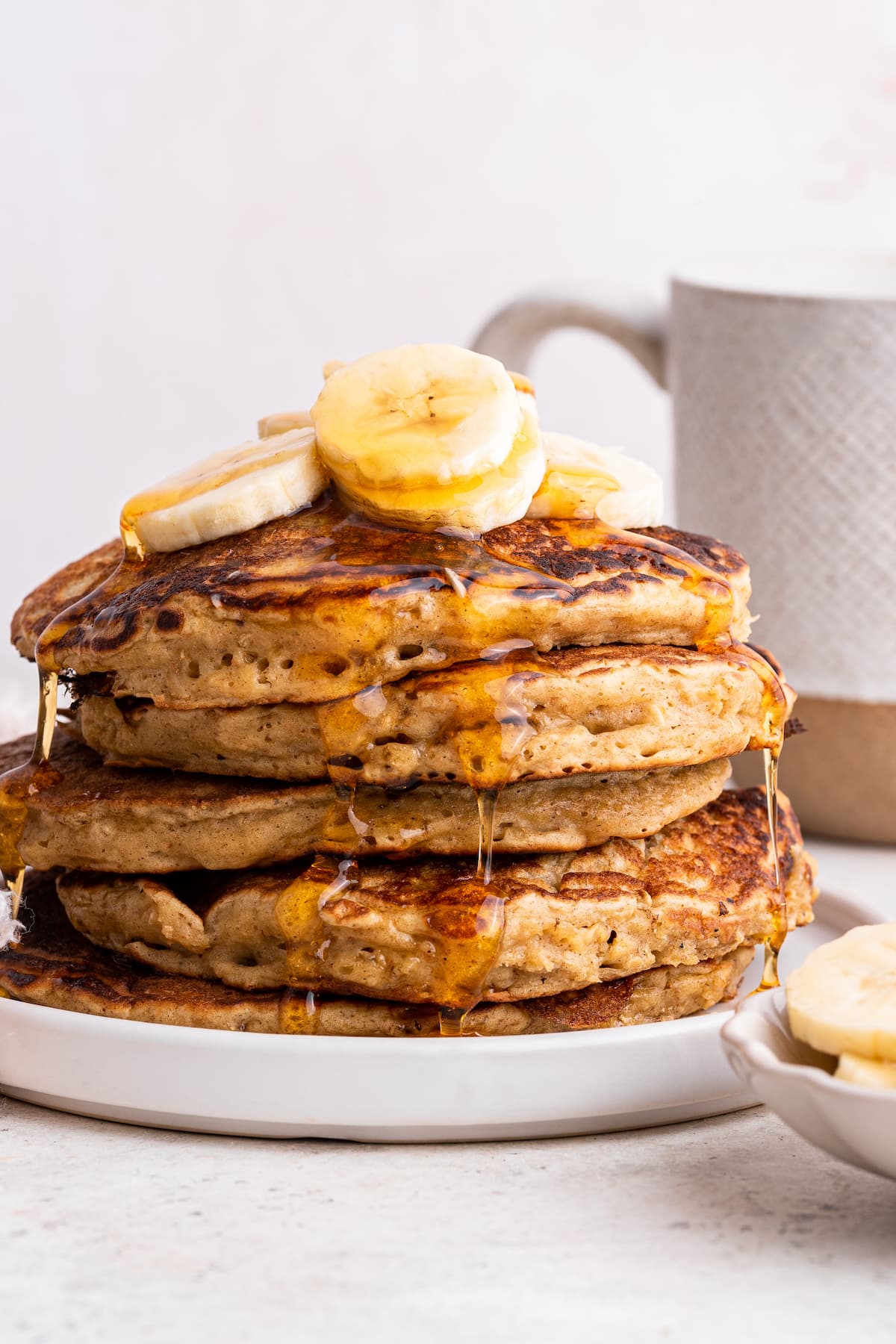

Connect once.
Work from where you already are.
Avena Health is AI-powered software for nutritionists to create meal plans, manage patients, and connect their practice to ChatGPT, Claude, Grok Bot, and Muse through MCP.
https://specialist.avena.io/mcp
Frequently asked questions
Avena is the nutrition software with MCP (Model Context Protocol). Its MCP server (https://specialist.avena.io/mcp) lets nutritionists use Avena —patients, nutrition plans, recipes, macros, and calendar— directly from AI clients like ChatGPT, Claude, Grok Bot, and Muse.
MCP (Model Context Protocol) is an open standard that connects external tools to AI clients. For nutritionists, the Avena MCP exposes its features —looking up patients, creating plans, searching recipes, calculating macros, and managing appointments— so you can use them from ChatGPT, Claude, or any compatible client without leaving the chat.
Turn on developer mode in ChatGPT Settings → Security, create a new connector, paste the Avena MCP URL (https://specialist.avena.io/mcp), and sign in with your Avena account. Then you can look up patients, create nutrition plans, and search recipes from ChatGPT.
In Claude, open Settings → Connectors, click “+ Add connector,” and paste the Avena MCP URL (https://specialist.avena.io/mcp) —or use the “Add to Claude in 1 click” button. Sign in with your specialist account and start working from the chat.
Connect the Avena MCP to ChatGPT and ask it in plain language to find a patient, create or adjust their nutrition plan, calculate macros, suggest recipes, or book an appointment. You set the clinical direction and Avena carries out each action with your real data, securely.
Claude, ChatGPT, and any tool compatible with the Model Context Protocol.
Yes. The MCP uses your specialist account to access your patients, plans, and calendar securely.
Access is authenticated with your account and protected with the same standards as the Avena dashboard. You decide which actions the assistant runs.
The MCP is included for Avena specialists. Just connect it and start using it.